 Pockd
Pockd
Free and private. Runs entirely on your iPhone.
For your ears only.
Your books and articles, read aloud.
- Listen to EPUBs and PDFs, each word lit up as it’s spoken.
- Save web articles by pasting a link, and hear them later, even offline.
- Ask about what you’re reading, and get answers from the book’s own pages.
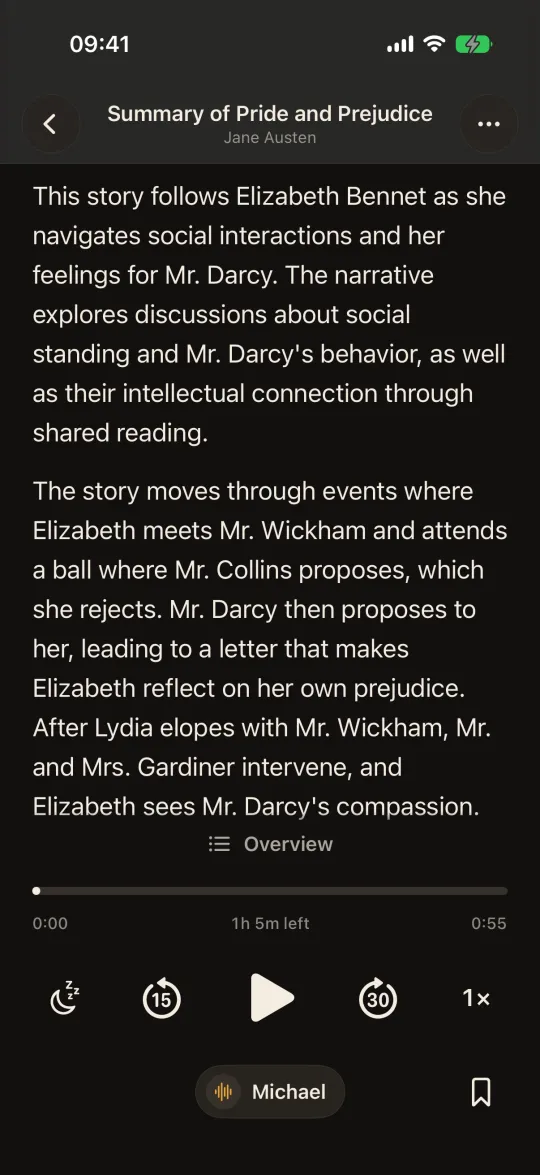
- Summarize a whole book, and play the summary: a 13-hour novel in about an hour.
- Free, no subscription
- No account
- Nothing uploaded
- Works offline
 Coming soon
Available in theChrome Web StoreComing soon
Coming soon
Available in theChrome Web StoreComing soon
Listening works on any iPhone with iOS 17; asking and summaries need iPhone 15 Pro or later.
Add it. Hear it. Ask it.
Everything you read in one place, read aloud to you, and there to answer your questions.
-
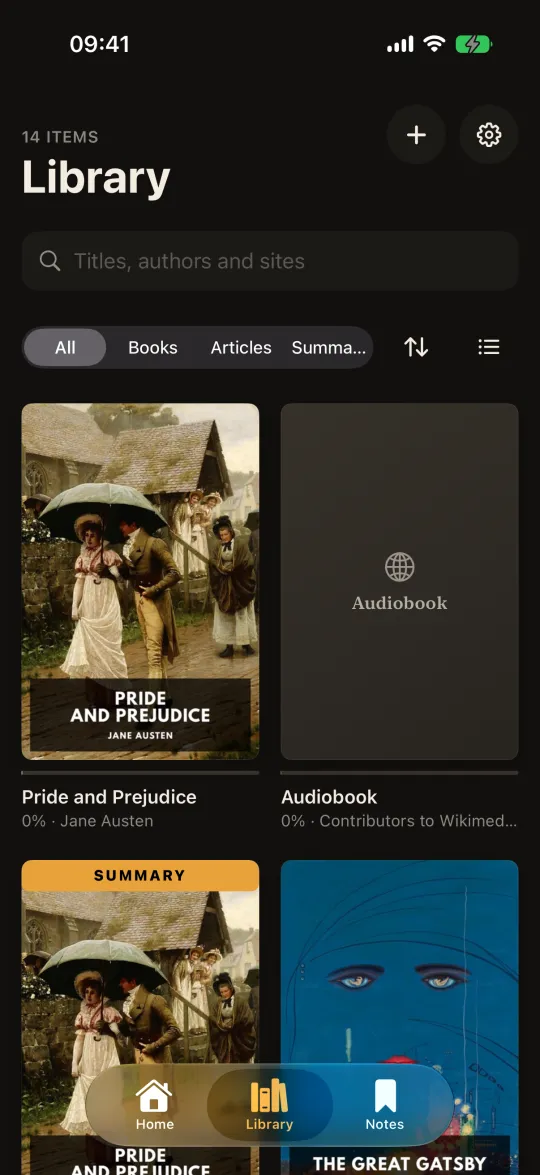
1Add a book or an article
Import an EPUB or a PDF, save an article from a link, or paste your own text. DRM-free books work, from stores that sell them or free libraries like Project Gutenberg.
-
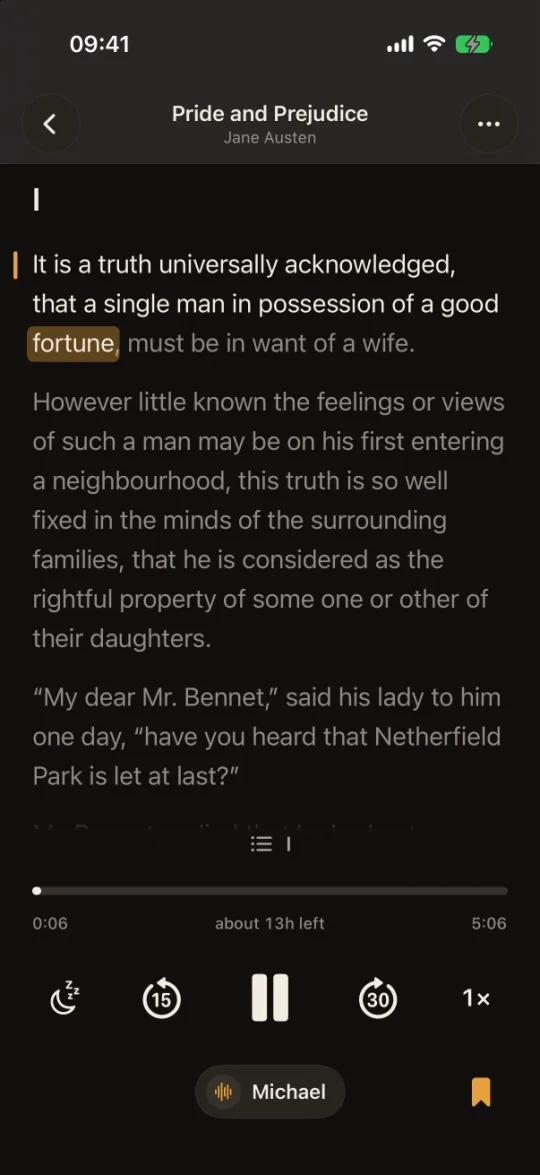
2Listen, and follow every word
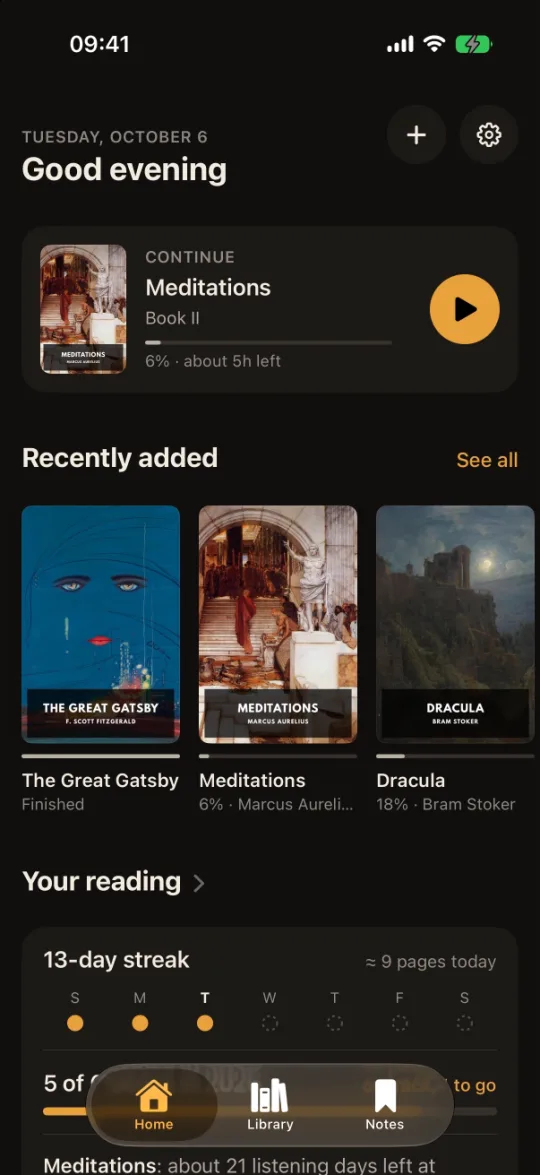
A natural voice reads to you while each word lights up, so you never lose your place. That can help when focus or dyslexia makes long reading hard. Lock your phone and keep listening, at the speed you like.
-
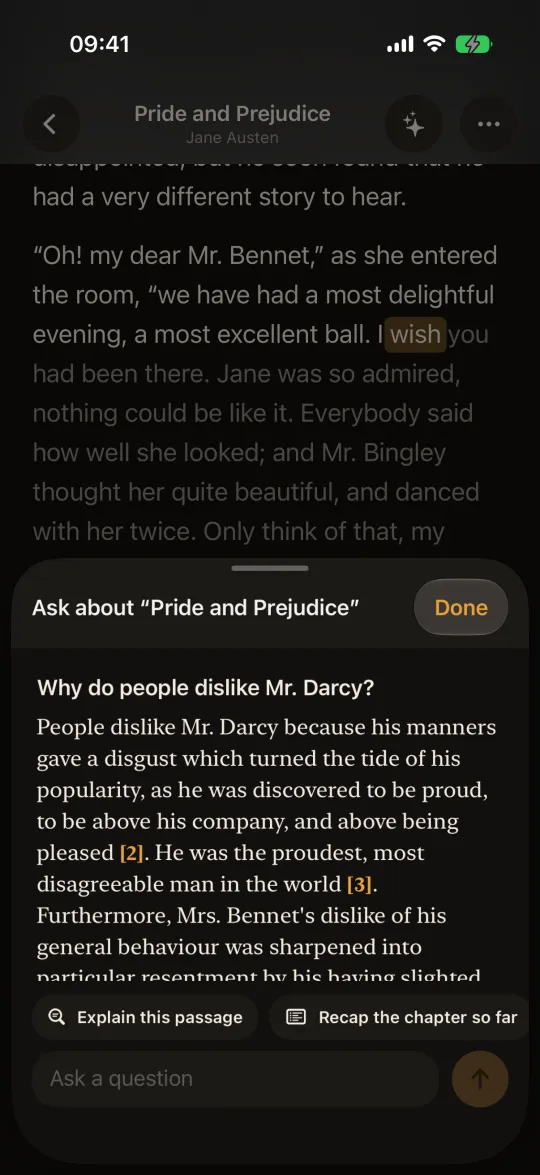
3Ask about it, or hear a summary
Ask who someone is or what a passage means, and see the lines the answer came from. Or make a summary of the whole book to listen to.
- EPUB
- Web articles
- Your own text
Save articles now. Listen on the way.
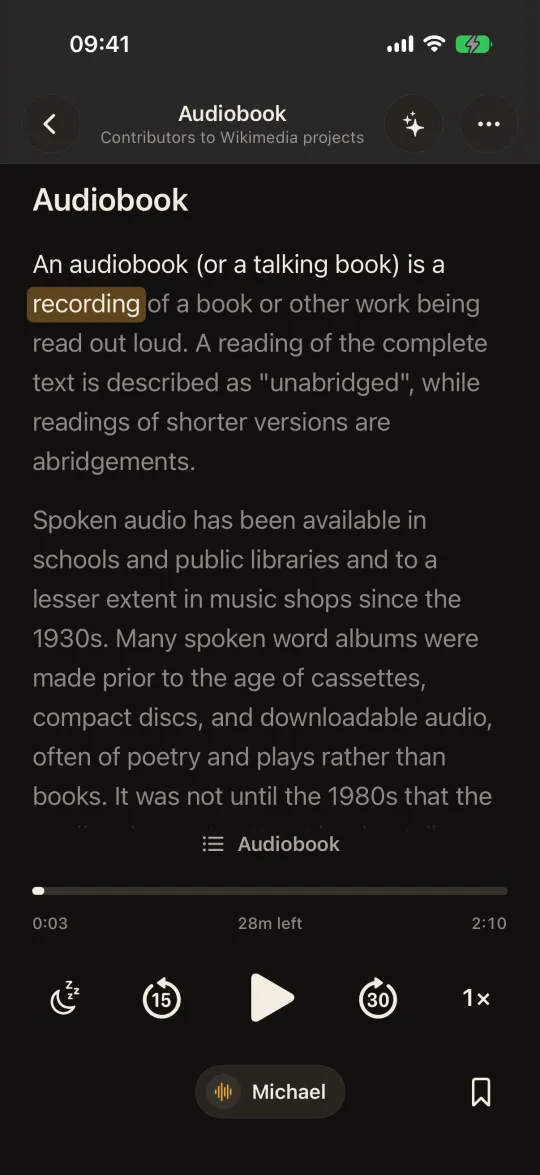
Lost your read-it-later app? Paste a link and Pockd keeps the article on your iPhone, with no account and no server, so there’s nothing to shut down and your articles stay on your phone. Ready for the commute or the walk home, even with no signal.
- A clean read. Just the article, without the ads and menus around it.
- In a hurry? Summarize a long read and hear the gist first.
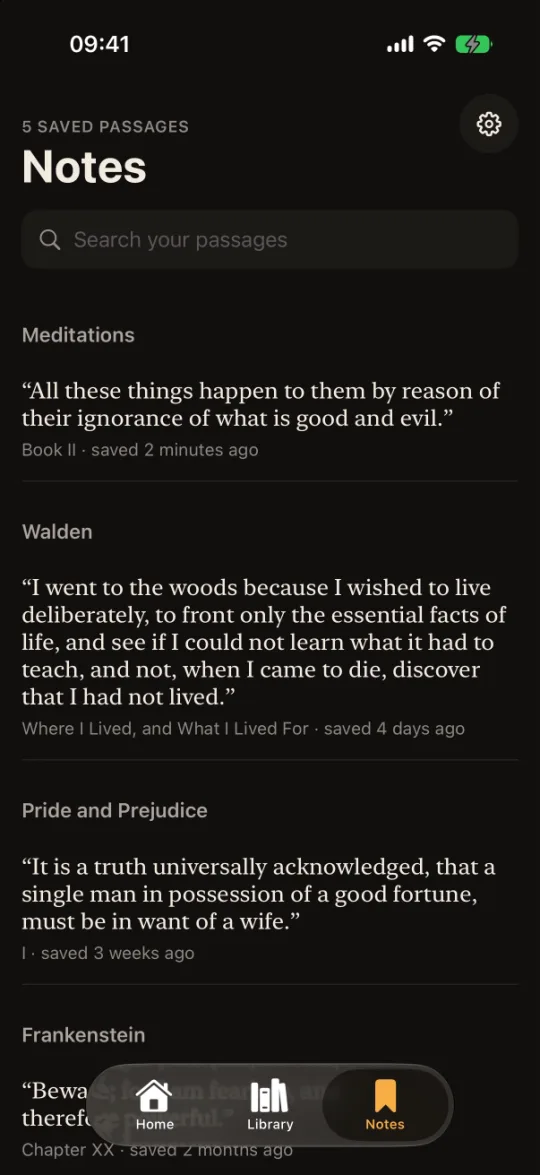
- Worth keeping? Save the lines that matter; Notes gathers them by article.
- From your computer, soon. A Chrome extension for saving articles is on the way.
Answers you can check. No spoilers unless you ask.
Ask the book, not the internet
Answers come from the book’s own text, with the passages they used, one tap from the page. By default they use only the part you have read, so the ending stays a surprise.
A whole book, summarized
Pockd writes an overview and a short summary of every chapter, then keeps it next to the book in your library, ready to play like any other.
What it needs
An iPhone 15 Pro or later, and a one-time 3.1 GB download. After that it works offline, and your questions and summaries stay on the phone.
Nothing you read is sent to us.
Many read-aloud apps make speech on their servers, and their AI features send your text to the cloud. Pockd does all of it on your phone. (Saving an article fetches it from its own website; nothing is ever sent to us.)
- No account, no tracking. Nothing to sign up for, no analytics, no ads. Its App Store privacy label will say Data Not Collected.
- Online only when you ask. To download the voice (350 MB) and, if you want it, the model for asking and summaries (3.1 GB), and to fetch articles you save. Then it works in airplane mode.
- Free for everyone, and it stays that way. Reading aloud shouldn’t cost a subscription. No ads, no premium tier, no limits. If you love Pockd you can support it, but you never have to.
- Check it yourself. Turn on airplane mode and keep listening, or see iOS’s App Privacy Report. Read the privacy policy.
A look inside
Questions
Is Pockd really free? How do you keep it going?
Yes, and it always will be. Our mission is to make Pockd free for everyone. There are no ads, no premium plan and no features held back. Building and maintaining an app does cost money, so at some point you may see a way to support Pockd. That’s the only thing you’ll ever be asked to pay for, and it’s entirely your choice: the app stays exactly the same, and free, whether you support it or not.
Does the voice sound robotic?
No. It is a modern natural voice, Kokoro, that runs on the phone and sounds like a person reading.
Can I read my Kindle or Apple Books purchases?
Not those: their books are locked with DRM. Pockd reads DRM-free EPUBs and PDFs, such as classics from Standard Ebooks and Project Gutenberg, books sold without DRM, your own documents, and web articles.
Which iPhones does it work on?
Listening works on any iPhone with iOS 17 or later. Asking and summaries need an iPhone 15 Pro or later, because the language model needs 8 GB of memory.
Can I trust the answers and summaries?
They are based on the book’s text, and answers show the passages they used, so you can check. A small on-device model can still mix up details, especially who said what in a conversation.
Will an answer spoil the ending?
No. Answers use only the part you have read, unless you choose otherwise. A summary covers the whole book, and it says so before you make one.
Which languages can it read aloud?
English (US and UK), Spanish, French, Hindi, Italian, Brazilian Portuguese and Mandarin Chinese. Asking and summaries work best in English.
Can I bring my saved articles from another app?
There is no import yet. You can add any article by pasting its link, and it is then kept on your iPhone for good.
Where are my books kept? Can I back them up?
On your iPhone, in Pockd’s own storage. If you use iCloud Backup, your library, notes and summaries are included. That backup is yours, in your iCloud; Pockd never sees it.
Why the downloads?
The voice (350 MB) and the model for asking and summaries (3.1 GB, only if you turn it on) are downloaded once and then run on your iPhone. That is what lets everything work offline and stay private.
Does it work offline?
Yes. After the one-time downloads, listening, asking and summaries all work in airplane mode. Only saving a new article needs a connection.
More answers on the support page.
Who makes Pockd
An independent developer who wanted a free, private way to listen to books. No investors, no ads, no data business: just an app that reads to you.
Our promise
- Free for everyone. Every feature, no limits.
- No ads, no premium plan. Not now, not later.
- Support is optional. It keeps Pockd going; it never unlocks anything.
Your books and articles, read aloud.
Ask about them, summarize them, and keep it all on your iPhone. Free for everyone, and coming soon to the App Store.